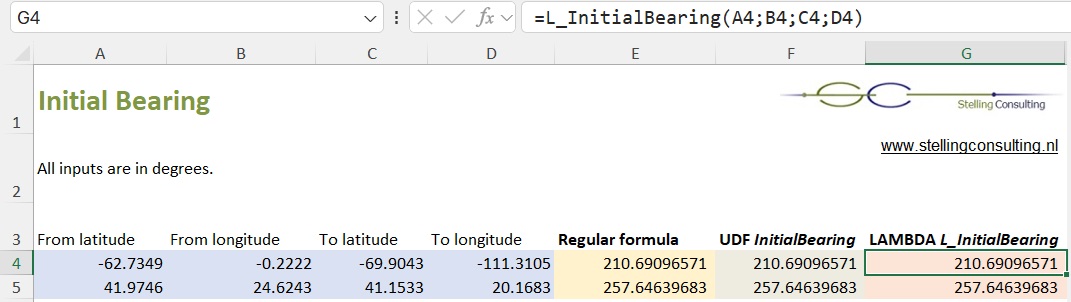
Excel Initial bearing
The demo file offers three ways to calculate the initial bearing, the angle between two geographical locations specified by latitude and longitude. This initial bearing is the absolute bearing with reference direction North = 0 degrees. It is calculated in clockwise direction, with values in range [0, 360>. It is referred to as an azimuth by the US Army.- Regular formula. As it is a pretty long one, it might be a bit cumbersome to adjust it and link it to input fields. (It uses MOD to convert a negative degree to a positive, -18° → 342°.)
- VBA - User Defined Function (UDF) InitialBearing. Much easier to read and link. But will execute noticeable slower if you use this function in thousands of cells, because programming language VBA is slow. (Unlike Excel function MOD the VBA function MOD always returns a whole number, so it could not be used.)
- LAMBDA function L_InitialBearing. LAMBDA functionality exists since Office365/Excel 2021. LAMBDA functions are user defined functions created directly within Excel's Name Manager. Executes fast.
Download demo file (33kB - downloaded 162 times)
Online version